Give it a place.
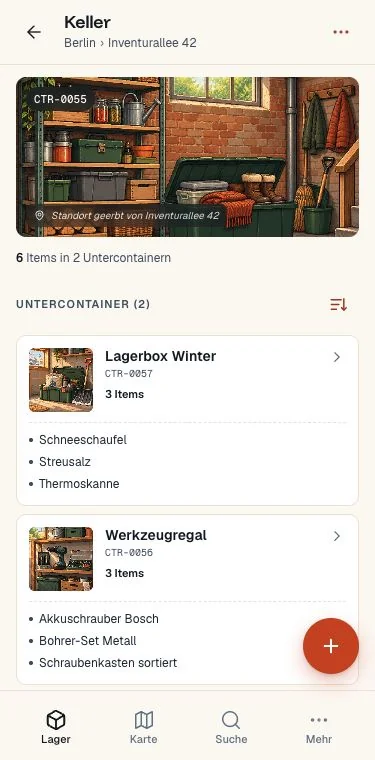
Create containers inside containers: a home, a room, a cabinet, a box. Add items at any level, with as much detail as you need.
⌂ Home└ Garage └ Tool cabinet └ Drawer 2
 myInventoryMANAGER · BY MEININVENTAR
YOUR HOME. YOUR WORKSHOP. YOUR INVENTORY.
The drill in the garage. The camping gear in the attic. The box you haven’t opened in years. Give everything a place you can find again.
myInventory is available in English and German.
 ITM-0031
Ready for the next project.
FROM “SOMEWHERE” TO RIGHT HERE
Your storage already has a structure. Your inventory should follow it.
Create containers inside containers: a home, a room, a cabinet, a box. Add items at any level, with as much detail as you need.
Use AI photo recognition to suggest names and descriptions for visible items. Review the suggestions before saving, or add items manually.
You check the result.
You decide what to save.
Search for an item and follow its container path. Or open a container to see what’s inside. Add GPS coordinates to physical locations for the map.
BUILT AROUND REAL STORAGE
Keep household items, workshop tools, club equipment and business supplies in an inventory that mirrors how you actually store them.
FOR THE THINGS YOU KEEP

Seasonal decorations, travel bags, spare cables. Remember what’s packed away before buying it twice.
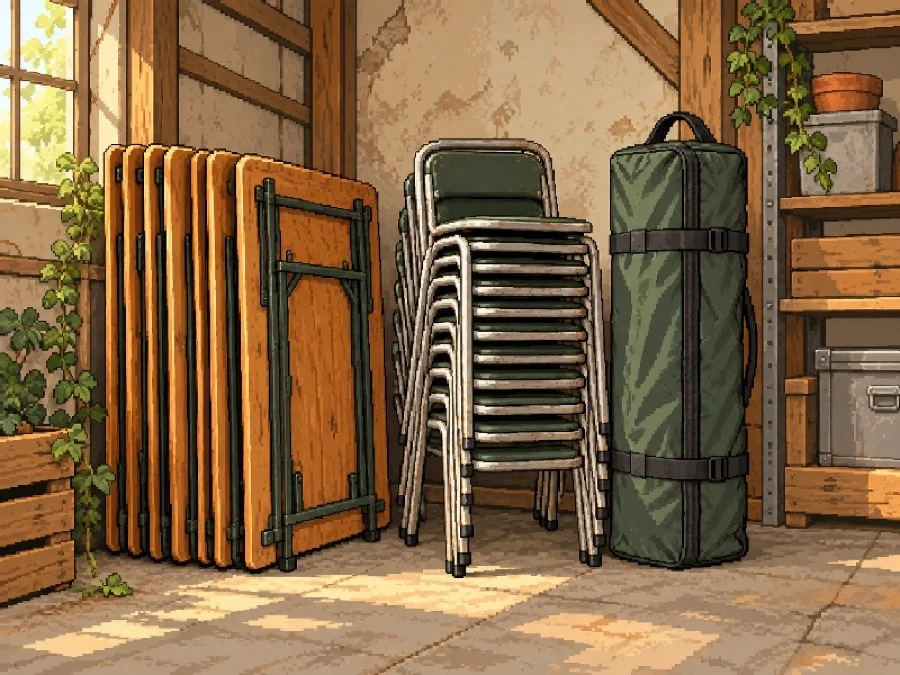
Tables, chairs and event equipment. Keep a shared inventory so others can find what they need.
Tools, parts and supplies. Organize by shelf, cabinet and drawer, down to the individual item.
START SMALL. GROW WHEN YOU NEED TO.
During the beta, try Plus free without payment details. Afterwards, choose the plan that fits your inventory.
View pricing in German →€0.00
Free to use.
€2.95 / month
Or €29.50 / year.
€6.95 / month
Or €69.50 / year.
Let’s talk
A plan for your needs.
BEFORE YOU START
Yes. The app is called myInventory in English and meinInventar in German. It initially follows your browser language, and you can change and save your language under More → Account & security. Your account and inventories work in both languages.
A container is any part of your storage structure: a building, room, cabinet, shelf or box. Containers can contain items and other containers, so the full path tells you where an item belongs.
No. You can create and edit items manually. AI photo recognition is an optional feature; you review and can correct its suggestions before saving. Availability depends on your plan.
Yes. myInventory is a progressive web app (PWA). Open it in a modern browser on your phone, tablet or computer. You can also add it to your phone’s home screen. An internet connection is needed for server features such as AI analysis.
During the beta, Plus is free and no payment details are required. After the beta, you can choose Free or a paid plan. See the current plans and limits above.
The app lives at app.meininventar.de. My Inventory Manager is the English website for myInventory, the same app as meinInventar in German. Use your existing account; you do not need a separate English account.
NEXT TIME, YOU’LL KNOW.
Start with one container. Add what’s inside. Find it when you need it.
Start your inventory ↗One account. English or German — your choice.